Sontana Tutorial
Selecting Fonts
In this section we discuss setting the font. You are likely to use the same one for some time, so it's important to make a good choice.
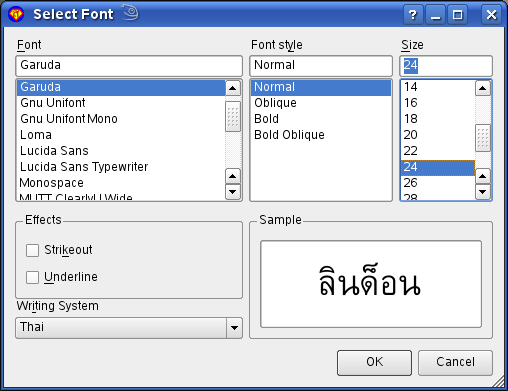
- Choose Font from the Settings menu.
- Select a Thai font, e.g. Garuda.
- Choose Thai on the Writing System select widget.
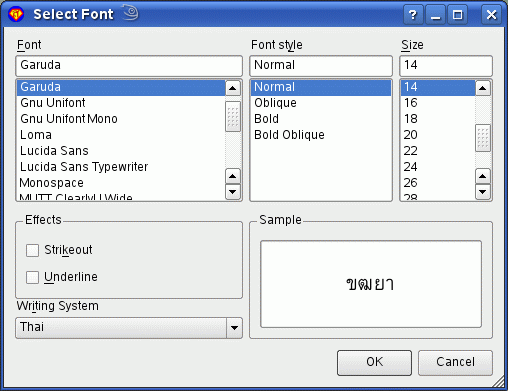
Most Windows PCs have the 'Tahoma' font installed by default. This fonts contain Thai characters. If you cannot locate a Thai font on your system or if you cannot install one then you can use Load Local Font from the Settings menu; it will then appear in the Font dialogue.
Detailed Font Selection
You can edit the sample window:
- Type some Thai letters into Sontana.
- Copy the letters to the clipboard.
- Open the font selection dialogue.
- Paste into the Sample area.
- Select fonts from the list and see the Sample area update.